01
Start with the photo. Skip the debate.
Choose the exact reference and hand him the camera. Everyone knows what the goal is.
Now on the App Store
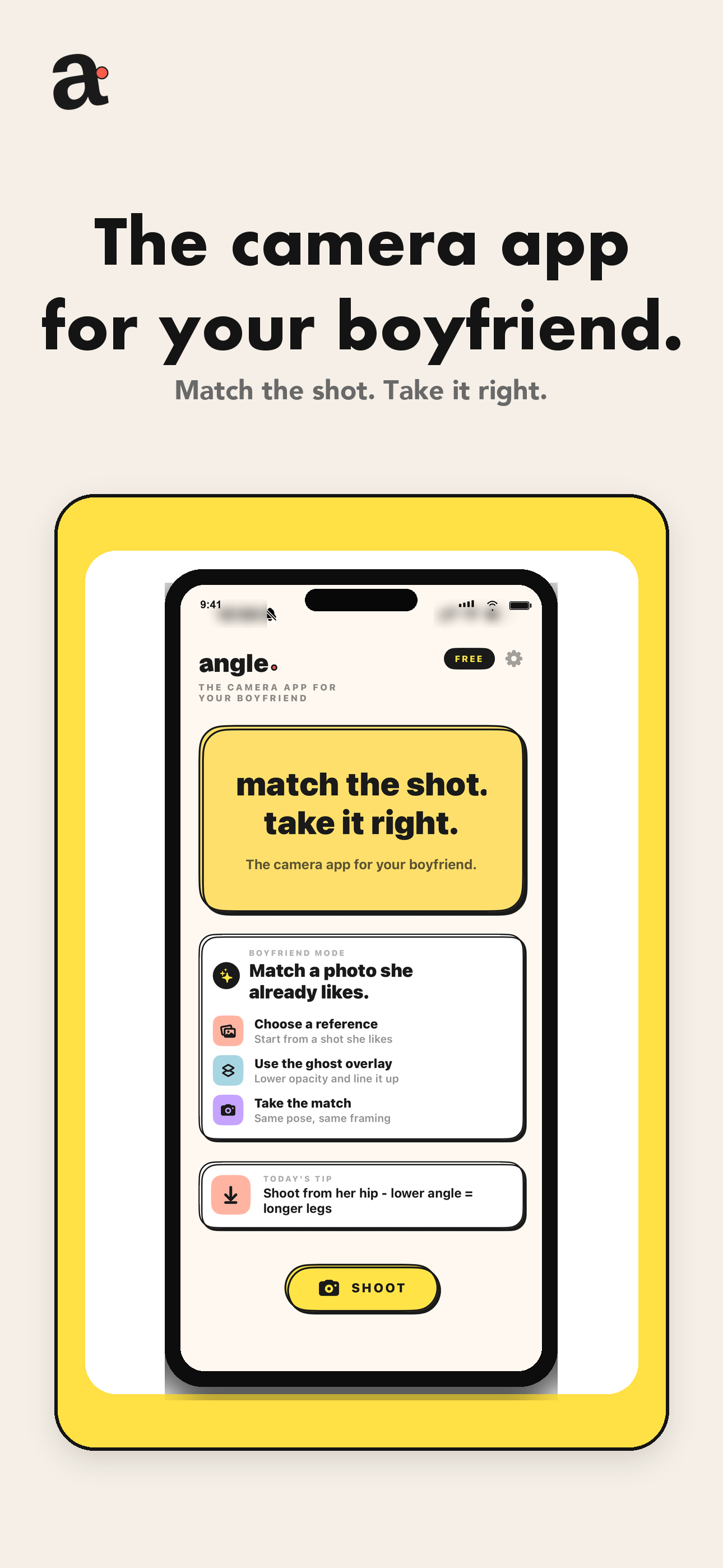
Angle places the photo you want over the live camera. He lines it up, takes the shot, and finally gets it right.
the shot she meant
Three steps. No photography degree.
Stop directing every tiny detail. Show him the photo, place it over the camera, and let Angle guide the framing.
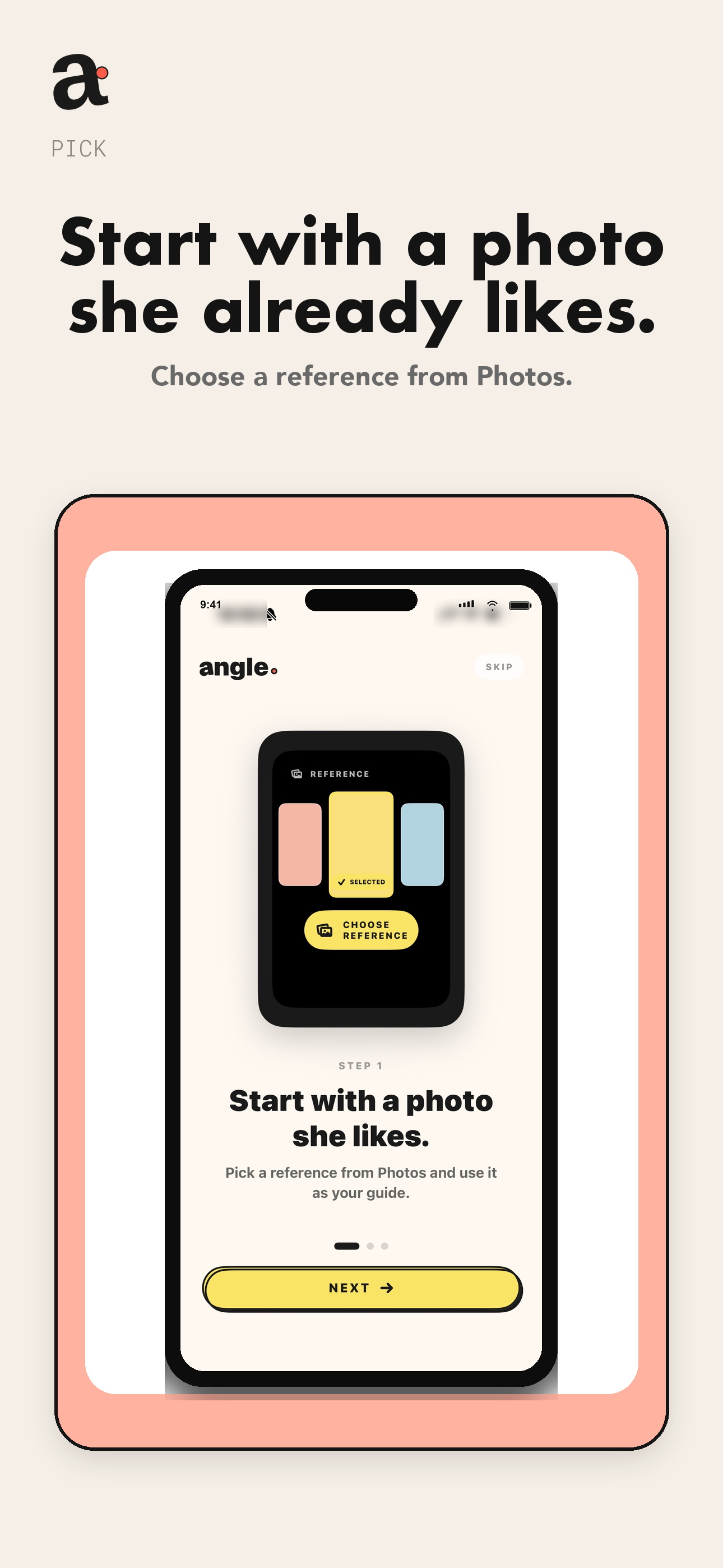
Choose a reference from Photos instead of trying to describe the pose.
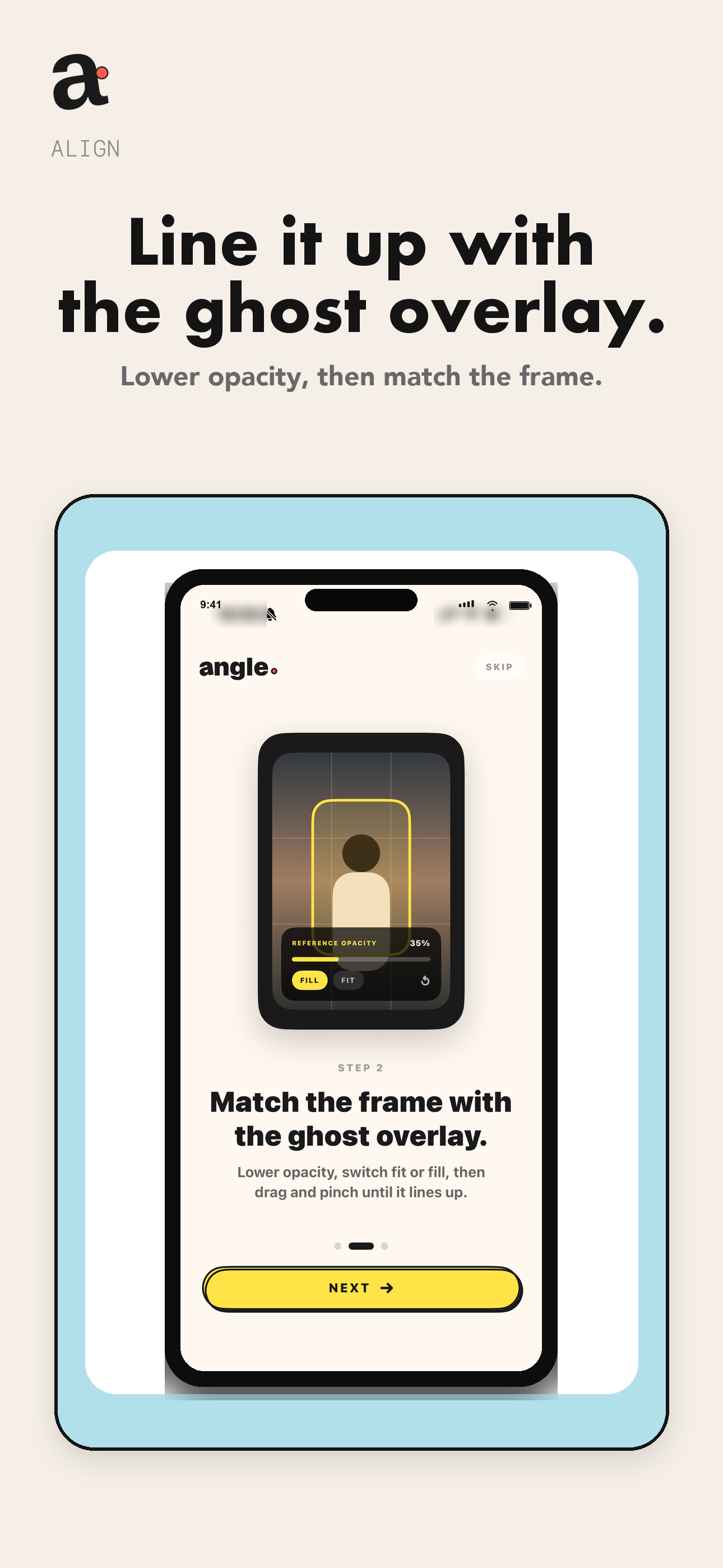
Adjust opacity, drag, pinch, fit, or fill until the framing matches.
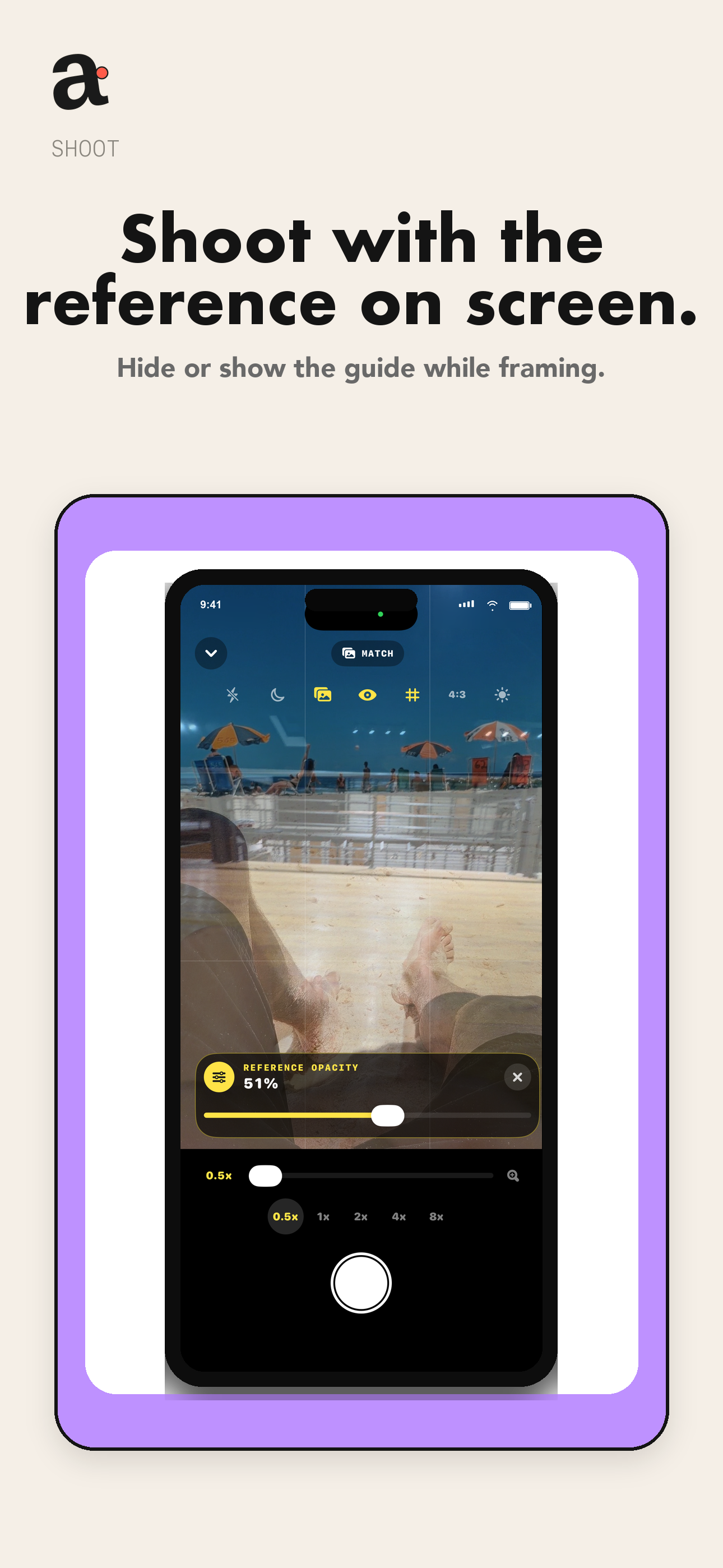
Keep the reference visible while shooting, then save the final photo.
Choose the exact reference and hand him the camera. Everyone knows what the goal is.
No account, analytics, advertising trackers, or cloud upload. Angle works on your iPhone.
Read the privacy policy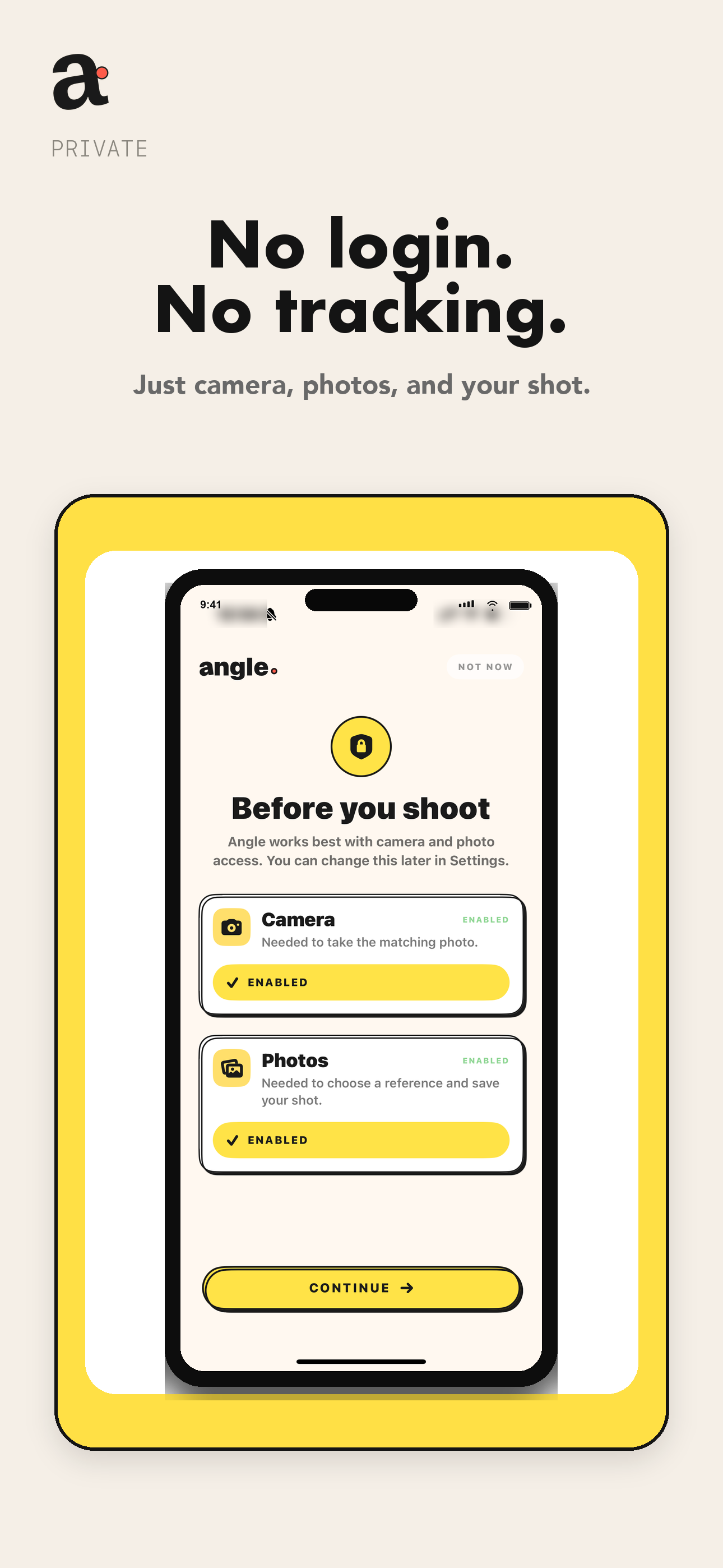
Available now
 Free on iPhone
Download Angle
Free on iPhone
Download Angle